

We can't find the internet
Attempting to reconnect
Something went wrong!
Attempting to reconnect
Tools Make the LLM Useful: Lessons from an ERPNext Chatbot Experiment
What a scoped ERPNext purchase and sales order chatbot taught me about tool calling — grounding answers in real ERP data, and why tools are the bridge to agentic AI.
Part 3 of 3 · ← Previous: LLM vocabulary
Clarity about LLMs (post 1) and the new vocabulary (post 2) are necessary. They are not sufficient.
Usefulness shows up when the model can work with your data — orders, customers, ERP records — not only with what it learned during training. For me, that click came from tool calling (function calling): you declare capabilities; the model chooses when to use them; your code executes them.
This post is about a small learning project: an ERPNext chatbot for Purchase Orders and Sales Orders. It was for understanding the pattern, not a full production implementation.
The problem shape
A question like:
Please give me the latest PO for customer X
is simple for a human with ERP access. A plain LLM has no access to ERPNext. If you only prompt it, it will guess, refuse, or hallucinate.
What it needs is structured access: a way to say “look up the latest purchase order for this customer” and get a real result back into the conversation.
That is what tools are for.
What I built for my learning
I created an ERPNext chatbot that could answer various questions related to Purchase Orders and Sales Orders using tools.
Important scope:
- Learning purpose only
- Not a full ERP AI product
- Not production hardening, permissions redesign, or complete coverage of every ERPNext DocType
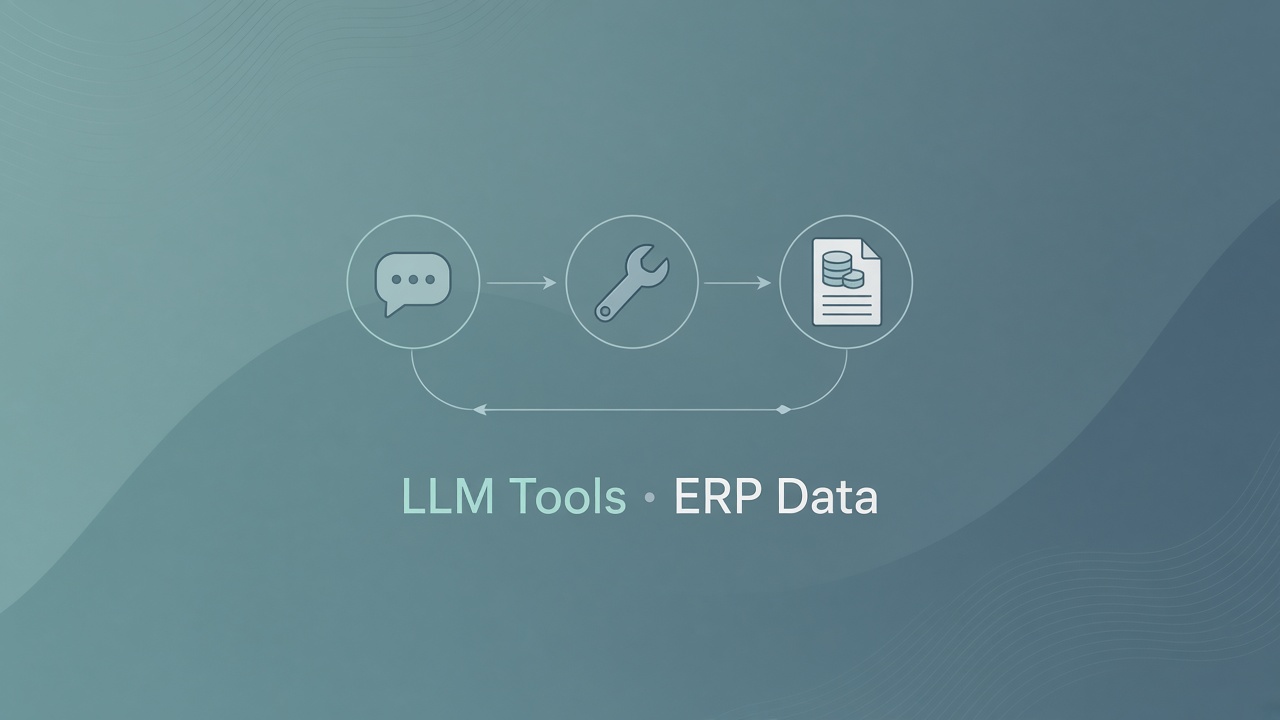
The point was to feel the loop end-to-end: natural language in → tool call → ERP data → grounded answer out.
The tool-calling loop
This is the foundation for agentic systems. The steps are simple and very “software engineering”:
- Declare tools with a schema — name, description, parameters (JSON-schema style).
- The model may return a tool call instead of a final answer.
- Your code executes the function — for example, fetch the latest PO for customer X from ERPNext.
-
You return a
role: toolmessage with the result. - The model continues — maybe another tool call, or a final natural-language answer.
Once you see that loop, “the LLM talked to my system” stops being mysterious. It is an orchestration pattern: model proposes, your backend executes, model responds.
What I learned
Meaningful tools matter. Vague tools produce vague behavior. Clear names, precise descriptions, and tight parameters help the model choose correctly — the same way a good API design helps human callers.
Tools are a practical way to let LLMs work with live data in your systems. The model does not need every PO in the prompt. It needs the right tool at the right time, and trustworthy results from your systems of record.
This is a bridge to agentic AI. A useful way to think about an agent is an LLM plus tools, a loop, and often memory and multi-step planning. Tool calling is a building block; an agentic system can use that capability across multiple steps. Multi-agent systems (specialists, planners, notifiers) build on the same foundation.
This foundation was LLM basics. Deeper agentic workflows — planning, richer memory, multi-agent orchestration — are what I want next. They start after this clarity, not instead of it.
These notes draw on common LLM engineering curricula (for reference: LLM Engineering on Udemy).
Series
- A Practical LLM Map for Full-Stack Engineers
- LLM Vocabulary for Engineers: Embeddings, Evals, Quantization, and LoRA
- Tools Make the LLM Useful: Lessons from an ERPNext Chatbot Experiment (this post)