

We can't find the internet
Attempting to reconnect
Something went wrong!
Attempting to reconnect
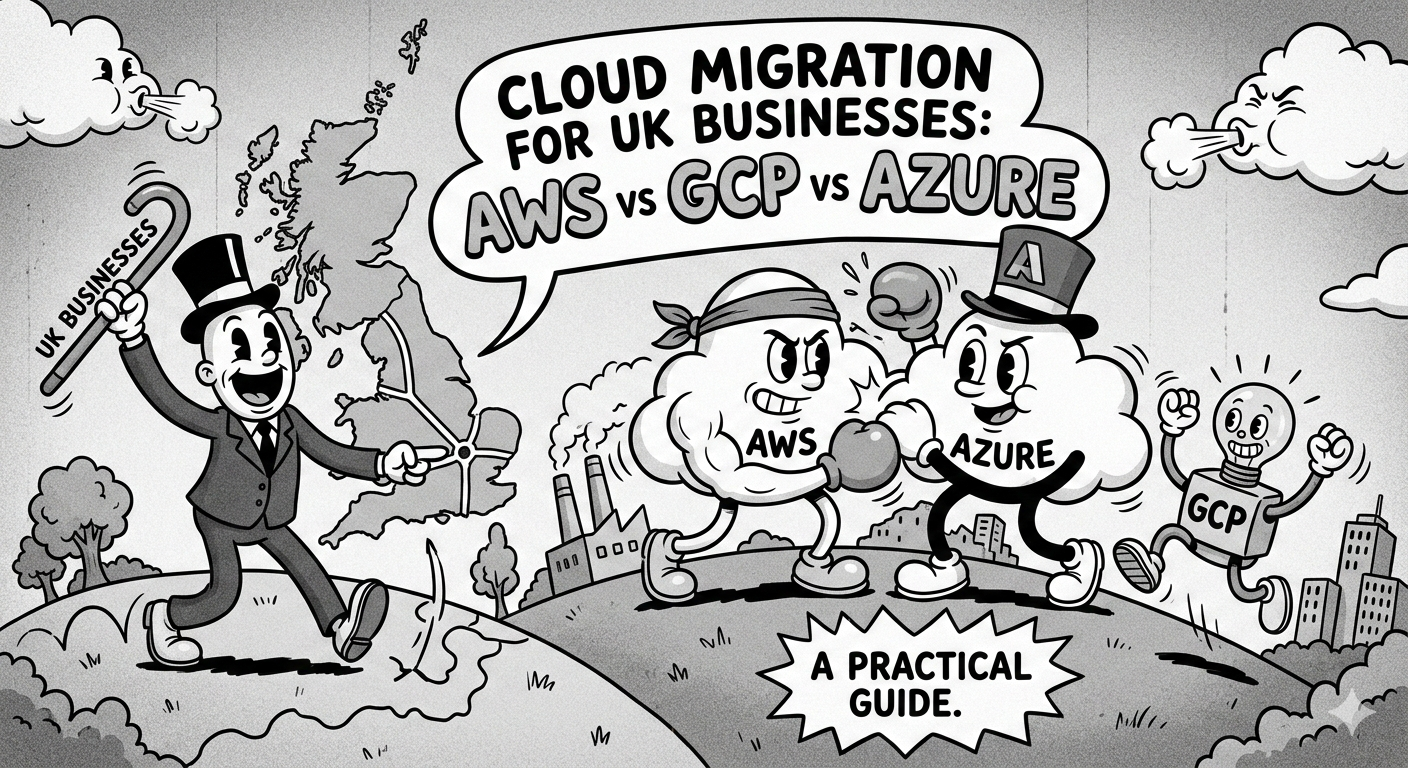
Cloud Migration for UK Businesses: AWS vs GCP vs Azure — A Practical Guide
Choosing the right cloud platform and migration strategy for your UK business. A practical comparison of AWS, Google Cloud, and Azure with guidance on migration planning.
Cloud migration has moved from an optional upgrade to a business imperative for UK companies. Rising on-premise hardware costs, a skills shortage in traditional IT, and pressure to scale faster have pushed thousands of businesses to move workloads to the cloud in 2026. But choosing the wrong platform — or migrating without a clear strategy — can cost more than staying put.
This guide gives you a clear framework: which cloud provider fits your business, what the real migration risks are, and how to plan a move that doesn’t disrupt your operations.
Why UK Businesses Are Moving to Cloud in 2026
The economics have shifted decisively. Managed cloud services now routinely undercut the total cost of ownership for on-premise infrastructure once you factor in hardware refresh cycles, data centre costs, and the staffing required to keep systems running.
Beyond cost, three trends are accelerating UK cloud adoption this year:
AI and data workloads demand elastic compute that on-premise environments can rarely provide cost-effectively. Businesses running analytics, machine learning, or GenAI features find cloud-native services dramatically simpler to operate than equivalent self-managed infrastructure.
Regulatory pressure around data resilience and disaster recovery is increasing. Cloud providers offer certified compliance for UK data residency, PCI DSS, ISO 27001, and Cyber Essentials at a level most in-house teams cannot match.
Remote and hybrid work has normalised cloud-first thinking. Applications that still run on local servers create friction and security risk as workforces become more distributed.
AWS vs GCP vs Azure: Which Is Right for Your Business?
There is no universally correct answer, but there are clear patterns in where each platform excels.
Amazon Web Services (AWS)
AWS remains the market leader and has the broadest service catalogue of the three. It is the default choice for:
- General-purpose web and application workloads — EC2, RDS, and ECS are battle-tested and extremely well documented
- Startups and scale-ups — the AWS free tier and startup credits make it accessible, and the ecosystem of tooling is unmatched
- Serverless architectures — Lambda is the most mature serverless platform available
- E-commerce and retail — deep integrations with payment providers, CDN, and fulfilment services
The main consideration with AWS is cost predictability. Its pricing model is comprehensive but complex. Without proper cost governance tooling (AWS Cost Explorer, Savings Plans, or third-party tools), bills can grow unpredictably.
Google Cloud Platform (GCP)
GCP is the strongest choice when your workload has a significant data or ML component:
- BigQuery for analytics at scale is genuinely in a class of its own — processing terabytes in seconds without infrastructure management
- Vertex AI and the underlying TPU infrastructure makes GCP the natural home for machine learning workloads
- Kubernetes — GCP invented Kubernetes and GKE (Google Kubernetes Engine) is the most polished managed Kubernetes service
- FinTech and data-intensive SaaS products benefit most from GCP’s strengths
GCP’s enterprise support and sales experience has historically been weaker than AWS or Azure, though this has improved considerably. For UK businesses, GCP’s London region (europe-west2) provides low-latency access with UK data residency.
Microsoft Azure
Azure is the natural fit when you already live in the Microsoft ecosystem:
- Microsoft 365 and Active Directory integration is seamless — Azure AD, Teams, and enterprise identity management work together natively
- Enterprise software workloads running SQL Server, .NET applications, or SharePoint migrate with the least friction to Azure
- Hybrid cloud scenarios (keeping some workloads on-premise) are best handled by Azure Arc and Azure Stack
- Financial services and NHS/healthcare organisations often find Azure’s compliance certifications and procurement frameworks align well with their requirements
Azure’s enterprise licensing deals can significantly reduce costs if your business already holds Microsoft Enterprise Agreements.
Key Migration Risks — and How to Mitigate Them
Every cloud migration carries risk. The businesses that migrate successfully are those that plan for these risks explicitly rather than discovering them mid-project.
Data transfer costs and latency: Moving large datasets to the cloud is not free, and egress costs (moving data back out) can be surprising. Map your data flows before you start — understand what moves where and how often.
Application compatibility: Not every application runs cleanly in a containerised or serverless environment. Monolithic applications with local file system dependencies, hardcoded hostnames, or session state assumptions may need refactoring before migration. Identify these early.
Skills gaps: Cloud operations require different skills from traditional sysadmin work. Infrastructure-as-code, Kubernetes, and cloud security are distinct disciplines. Either invest in upskilling your team or plan for specialist support during and after migration.
Security misconfiguration: The majority of cloud security incidents are caused by misconfigured storage buckets, overly permissive IAM policies, or exposed endpoints — not sophisticated attacks. A cloud security baseline review should happen before go-live, not after.
Dependency on vendor services: Deeply coupling your application to provider-specific services (Lambda, Pub/Sub, Azure Service Bus) can make future moves expensive. This is a trade-off worth making consciously — not accidentally.
What “Zero-Downtime Migration” Actually Means
The term gets used loosely, but a genuine zero-downtime migration is achievable for most workloads with the right approach:
- Parallel environment: Build and fully test the cloud environment before touching production. Your on-premise systems keep running throughout.
- Data synchronisation: Set up real-time replication between on-premise and cloud databases so both stay current.
- Blue-green cutover: When ready, switch traffic to the cloud environment in a controlled, reversible step. Traffic routing (DNS or load balancer) makes this fast to execute and roll back.
- Validation window: Keep the on-premise environment running for 48–72 hours post-cutover as a fallback. Decommission only after confirming stability.
True zero downtime requires planning and testing. Businesses that attempt a direct “lift and shift over a weekend” typically find themselves with extended downtime, not a smooth transition.
Managed Cloud vs Self-Managed: When Each Makes Sense
Self-managed is appropriate if you have a skilled in-house DevOps team, your workloads are relatively standard, and you want maximum control over your infrastructure configuration and costs.
Managed cloud services make sense when:
- Your engineering team is focused on product, not infrastructure
- You need 24/7 incident response without building an on-call rotation
- You want expertise across multiple cloud providers without hiring specialists for each
- You’re migrating from on-premise and lack cloud-native operations experience
The financial comparison is often closer than expected. The cost of a managed service should be weighed against the fully loaded cost of self-management — including the engineering time spent on infrastructure, recruitment for DevOps roles, and the cost of incidents caused by understaffed operations.
Planning Your Migration: A Starting Framework
A cloud migration project should start with a workload inventory and classification:
| Priority | Workloads | Migration Approach |
|---|---|---|
| Low hanging fruit | Static sites, file storage, backups | Direct migration |
| Core applications | Web apps, APIs, databases | Lift and shift or replatform |
| Complex systems | Legacy monoliths, mainframe integrations | Refactor or hybrid |
| Sensitive/regulated | Data with compliance requirements | Plan last, migrate carefully |
Start with low-risk workloads to build confidence and cloud operational experience before tackling critical systems.
Next Steps for UK Businesses
If your business is considering a cloud migration in 2026, the first step is an infrastructure assessment — an honest inventory of what you’re running, what it costs, and what your actual requirements are for scalability, resilience, and compliance.
Our DevOps team, delivered in partnership with DevOps Techlab, has completed 200+ cloud migration projects across the UK and beyond. We work with businesses that want a planned, well-executed migration — not a rushed one.
Book a free infrastructure assessment and we’ll give you an honest picture of your current setup and a clear migration pathway.